
The holiday season can get pretty hectic – work, decoration, parties... and repeat. Chocolate might help in the short term, but a real laugh lasts longer. With a Bound as an Advent calendar, you’ll give your team, your family, or your friends something far more memorable than a tiny piece of mediocre chocolate.
Here’s everything you need to build a Bound just like it:
Who do you want to surprise with your Actionbound Advent calendar?
Want to make your team smile, kick off each workday with a boost, or stay connected with a friend through the holidays? Or maybe all of the above?
Depending on your audience, your Bound could follow one of these themes:
- For your team: mini challenges, fun facts about colleagues, or little thank-you messages.
- For friends: riddles, shared memories, or creative tasks.
- For family: stories, photos, favorite recipes, or short audio greetings.
How your Bound becomes a digital Advent calendar – 24 days, 24 little highlights
Here are four ideas to keep your Advent calendar exciting – of course, you can mix and match them however you like:
1. One day – one section
Create one Bound section for each calendar day. Use the Switches feature to set each section to appear only on its matching date. For example: Section 1 becomes visible on December 1st, Section 2 on December 2nd, and so on.
How to do it:
- Create 24 sections (stages)
- Fill each one with missions, quizzes, audio, video, etc.
- Use the Info element to mark the beginning and end of each day
- Set up Switches with date conditions to unlock sections daily
Each door stays “locked” until the right day – no peeking possible!
2. QR codes as door openers
Want to connect the calendar to physical locations – like a meeting room or someone’s favorite corner? Let each day start with a QR code that leads to a new section.
Here’s how:
- Set the section order to stages selectable in any order in the Bound Creator
- Enable Start via QR code for each section
- Print 24 QR codes and place them at the desired locations
3. Solve to unlock
Before a new door opens, players need to solve a little challenge. Only the correct answer unlocks the next section.
Setup steps:
- Create a quiz element with an answer field
- Enable Correct answer required
- Add optional hints that appear after wrong attempts
4. Find the door via GPS
Ready to get people moving? Use Find spot to lead players to specific spots – whether it’s a park, school building, or holiday market.
Here’s how:
- Start with a brief description (Will they need a coat? A key?)
- Use the Find spot element to guide them to the spot
- Once there, let the story continue however you like!
Share your Bound on December 1
On December 1, it’s time to go live: share your Bound via link or QR code – ideally with a little intro message and a hint about the best time to play (e.g. before the daily meeting or during lunch). Want to give everyone flexibility? Set it up so each person can play at their own pace – perfect for groups with different schedules.
Sure, a Bound can’t replace chocolate. But it can fill December with laughter, memories, and a little surprise behind every digital door. And best of all: the fun lasts way beyond the holidays – even when the Christmas tree has lost its needles!
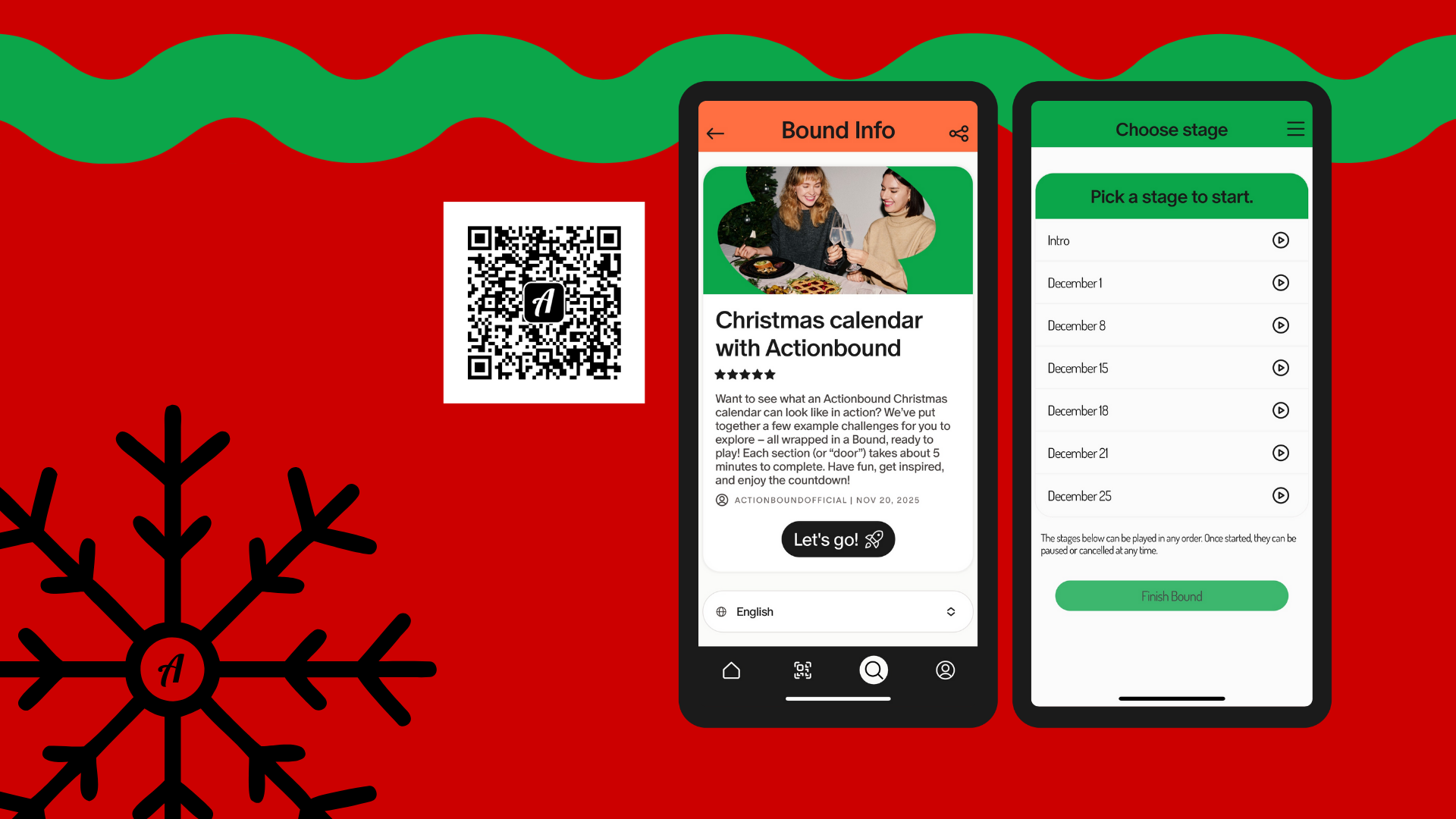
Your first surprise is right here
We’ve created a sample Advent calendar Bound you can try out – complete with puzzles, tasks, and holiday-inspired fun. Check it out and get inspired!